
How to Resize Images to 20KB: Complete Guide
A complete guide to resizing any image to 20KB. Learn how to balance pixel dimensions, compression levels, and file formats for portal uploads.
Smart compression that runs entirely in your browser. Perfect for government forms, job applications, and ID portals.
Your image has been optimized — here's the breakdown

To resize an image to exactly 20KB, adjust the JPEG compression ratio, pixel dimensions, and quality settings of the photo. A 20KB image file takes up 20,480 bytes (0.02 MB) on disk — that is 100 to 400 times smaller than a standard smartphone photo.
See how much image compression reduces a typical smartphone photo
To resize an image to 20KB online, upload the photo to a free image resizer tool, set 20KB as the target file size, and download the compressed result. The process takes 3 steps and works with JPEG, PNG, WebP, and other image formats.
While 20KB is the standard for government forms, job portals, and identity documents, different platforms require different target file sizes. Use the size calculator below to find the right dimensions and compression level for any target size.
Enter your current and target file size to estimate required compression and dimension adjustments
Specialized tools for every image compression scenario — pick the one that matches your requirement.
Everything you need to know about image compression
It uses a binary search algorithm to find the best JPEG quality that fits your target size — all processed in your browser.
No — your image never leaves your device; everything runs locally in the browser.
JPEG, PNG, WebP, BMP, and GIF input — output is optimized JPEG.
Yes — set any target from 1KB to 10,000KB using the size input field.
Government forms, job applications, and ID portals often require photos under 20KB.
Minimal — our algorithm finds the highest quality that fits your target size.
Expert tutorials and actionable guides on image compression, dimensions, and portal requirements.
A complete guide to resizing any image to 20KB. Learn how to balance pixel dimensions, compression levels, and file formats for portal uploads.
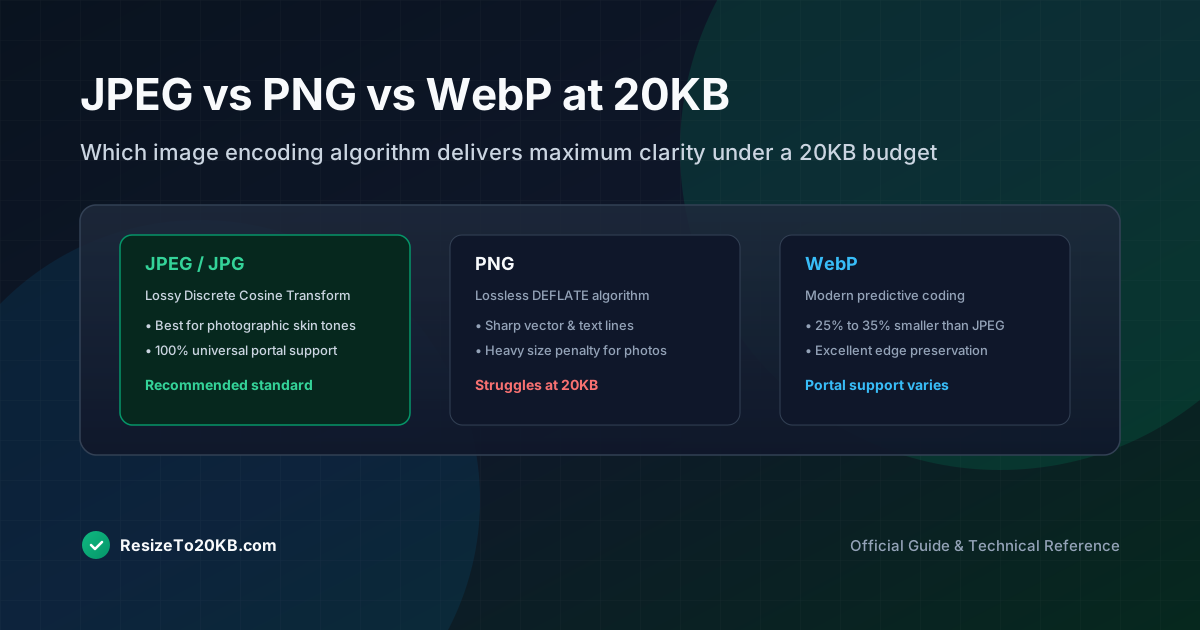
Comparing JPEG, PNG, and WebP compression performance under strict 20KB limits for photographs, graphics, and official identification uploads.
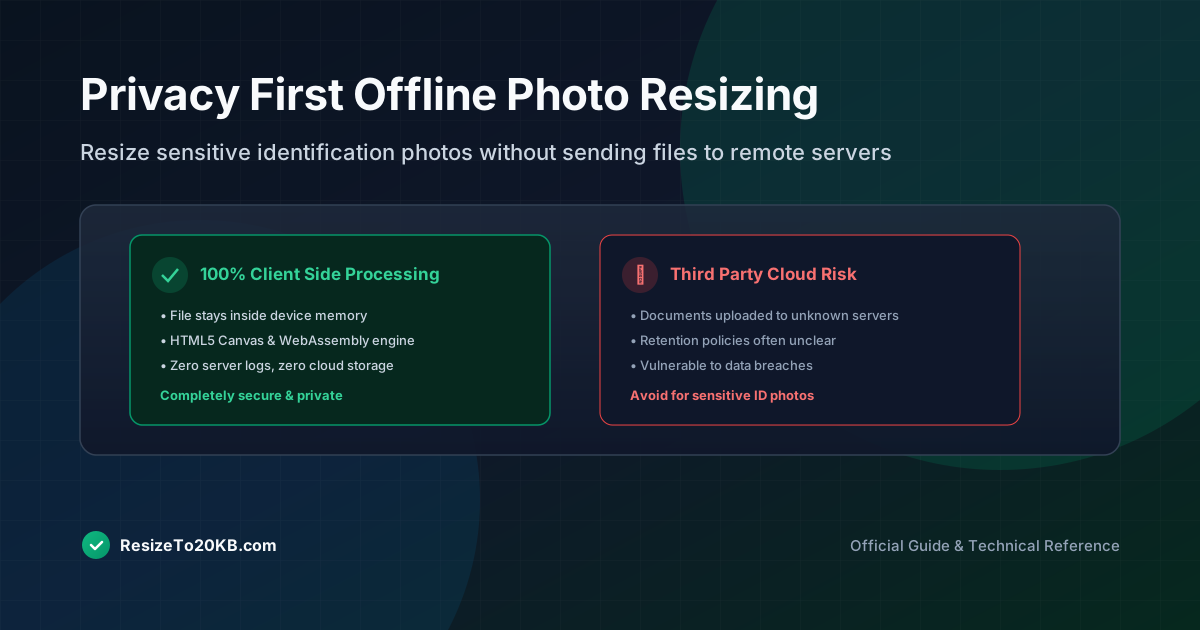
Learn how to resize sensitive documents and identification photos to 20KB offline, keeping your personal files private on your own device.